
conducting thorough website security tests (VAPT), we help keep your digital brand protected, trustworthy, and audit-readyIndia's Digital Personal Data Protection (DPDP) Act, 2023, has changed the way businesses collect, process, and manage personal data. Whether you run an eCommerce store, SaaS platform, fintech app, healthcare portal, or corporate website, obtaining valid user consent is now a legal requirement.
Many organizations still rely on outdated cookie banners, pre-checked checkboxes, or vague privacy notices. Under the DPDP Act, these practices may not meet the legal standard for obtaining valid consent.
This guide shows you how to set up DPDP-compliant consent on your website and explains how KavachOne can help automate compliance and build customer trust.
Why Website Consent Matters
Your website is usually the first place you collect personal data. This can happen through contact forms, newsletter signups, lead forms, cookie banners, customer portals, or payment pages.
If your consent process is weak, your business could face non-compliance, lose user trust, or run into audit problems. A good consent system shows that you are accountable and comply with the DPDP Act’s rules.
What Makes Consent Valid Under the DPDP Act?
The law explicitly states that consent must be free, specific, informed, unconditional, and unambiguous. To translate this legal jargon into actual website features, your consent architecture must hit these four pillars:
Independent Consent Notice: Before or when you collect data, you need to provide a clear notice explaining exactly what data you collect and why. This notice should be available in English and in scheduled Indian languages.
Affirmative Action (No Pre-Ticked Boxes): Users must actively opt in by clicking a button or checking an empty box. Silence or continued scrolling does not equal consent.
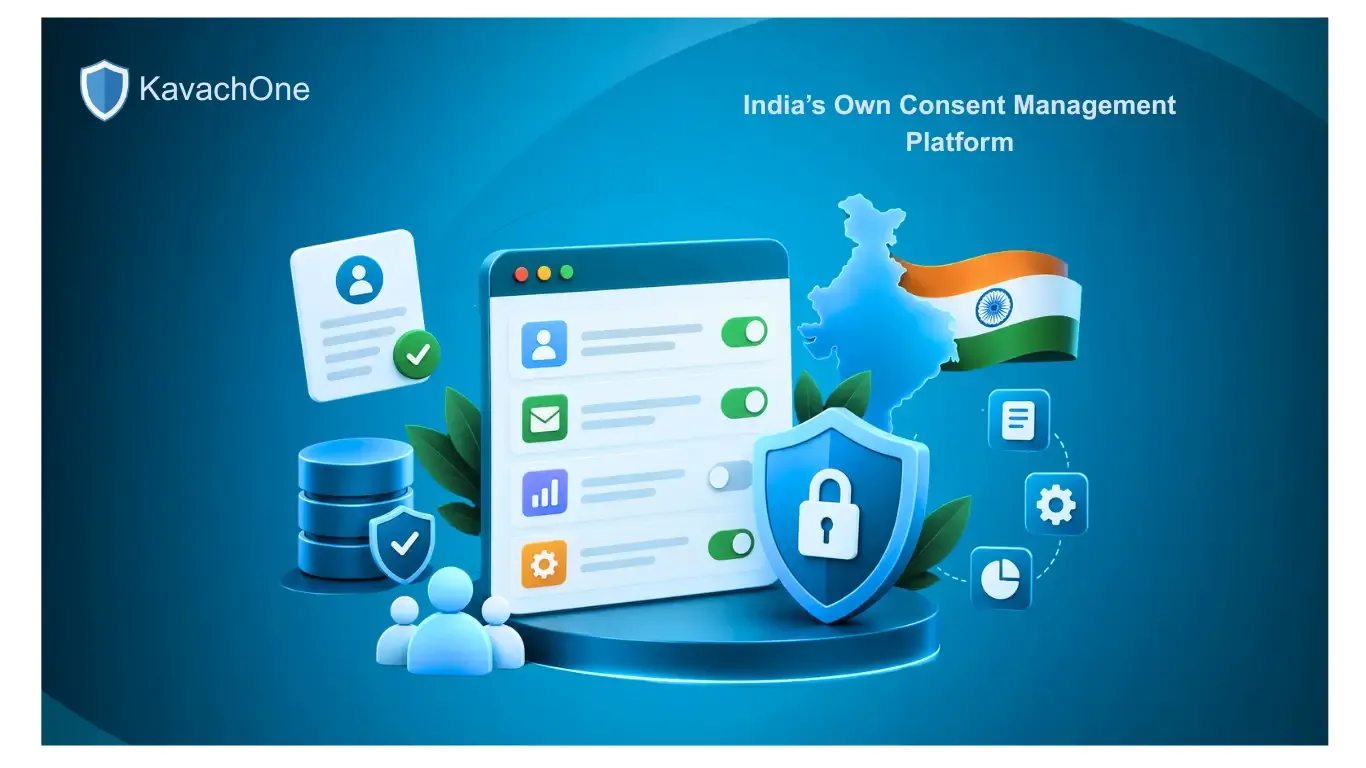
Granular Options: You cannot group all data uses together. For example, if you collect emails for both account creation and marketing, users should be able to agree to account creation but opt out of marketing.
Easy Withdrawal:
It should be just as easy for users to take back their consent as it is to give it.
4 Steps to Implement DPDP Consent on Your Web Pages
Putting this into action doesn't have to break your website design. Here is the step-by-step workflow you should follow:
1. Pause Your Tracking Scripts
Set up your website so that non-essential scripts, such as advertising pixels, behavior maps, and analytics tools, are paused by default when a new visitor arrives.
2. Show a Plain-Language Notice
Create a clean, independent pop-up notice or form disclaimer. Use simple, everyday language to explain what data you need (e.g., "We collect your email to send your invoice").
3. Log the Choice Securely
When a user selects their preferences, save a secure digital receipt (a "Consent Artifact") in your database. This acts as your official proof of compliance if a data regulator ever audits your business.
4. Add a Consent Preference Center
Place a permanent floating icon or a footer link labeled "Manage My Data Preferences" across your site. This allows users to instantly change or withdraw their permission with a single click.
Many traditional cookie banners and pop-ups used on websites are now legally risky because they rely on "dark patterns" (design tricks that push users into giving up data). Here is how to fix them:
What to Stop (Non-Compliant) | What to Start (DPDP Compliant) |
Passive Banners: "By continuing to browse this site, you agree to our cookies." | Active Choice: No tracking scripts run until the user explicitly hits "Accept." |
Pre-Checked Toggles: Cookie settings that are turned "On" by default. | Blank Slate: All optional tracking toggles are set to "Off" by default. |
Unfair Buttons: A giant, bright "Accept All" button next to a hidden, tiny "Decline" link. | Visual Balance: "Accept All" and "Reject All" buttons have equal size and visual importance. |
English-Only: Forcing everyone to read complex legalese in a single language. | Language Options: Providing clear options to view the data notice in local Indian languages. |
Make Compliance Effortless with KavachOne
Updating your website forms, translating notices into regional languages, and setting up secure, automated consent logs can quickly become a challenge for your team.
At KavachOne, we do the hard work for you. We offer easy-to-use compliance solutions and expert security audits made for Indian data privacy standards. From setting up secure data workflows to running thorough website security tests (VAPT), we help keep your digital brand protected, trustworthy, and ready for audits.
Are you ready to make your website compliant?
Frequently Asked Questions (FAQs)
KavachOne Editorial Team
Cybersecurity & Compliance Experts